MetaDefender Core の初期設定
1-2-1. MetaDefender Core の初期設定
この章では、MetaDefender Core の初期設定を行います。
-
デスクトップ左下のWindowsアイコンをクリックし、「MetaDefender Core」を選択します。または、Webブラウザから「http://localhost:8008」に接続します。
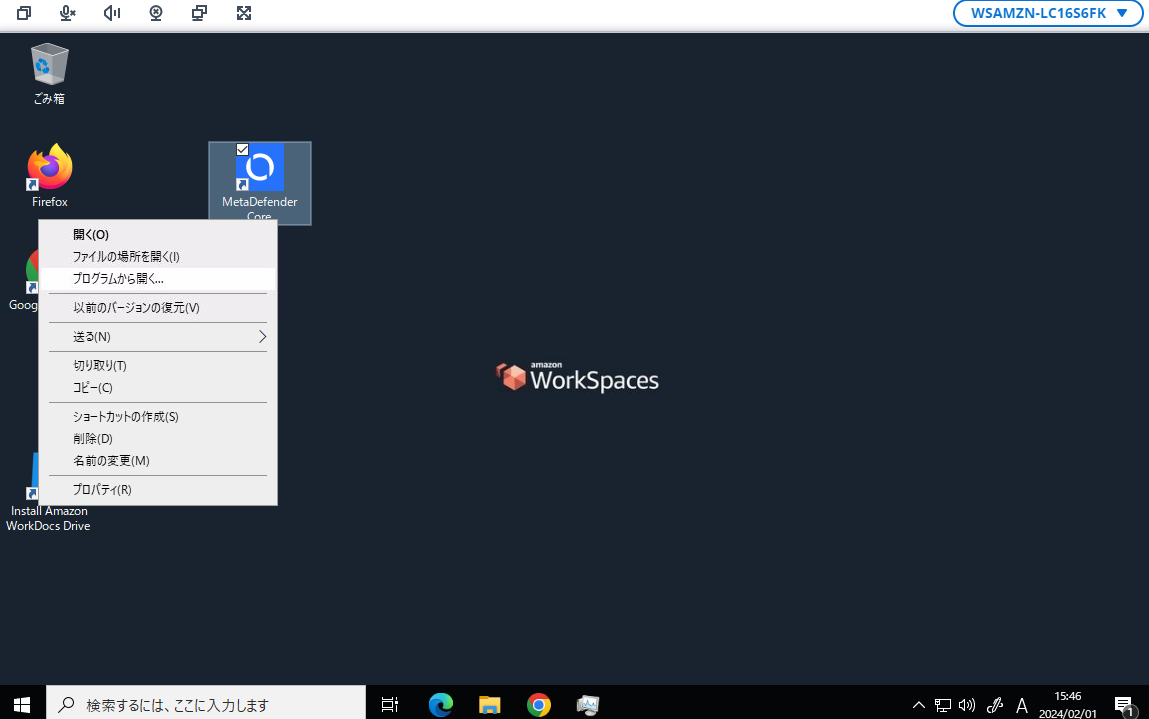
-
「Start」 をクリックします。
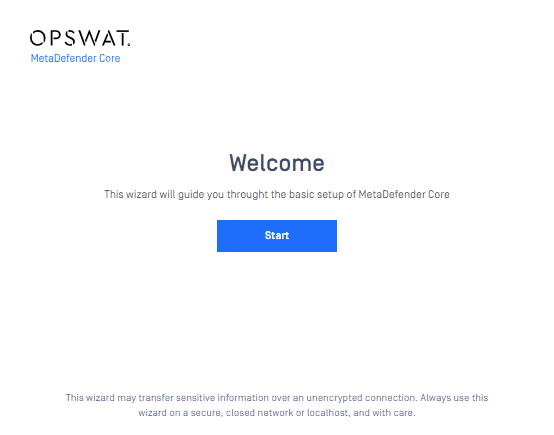
-
「I accept the terms in the License Agreement」にチェックし「Continue」 をクリックします。
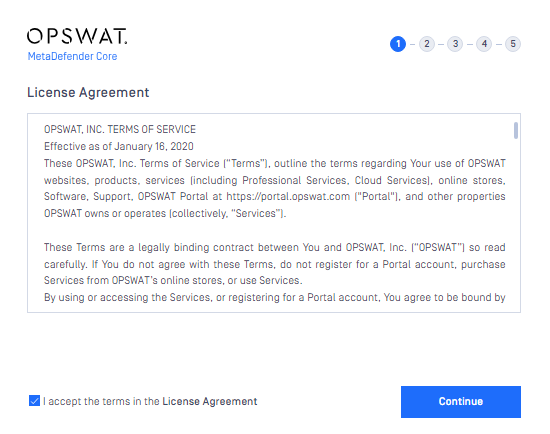
-
下の表示従いに入力後「Create」をクリックします。
項目 入力内容 備考 User name opswat Display name OPSWAT Password Opswat!23456 Confirm password Opswat!23456 Email training@opswat.local 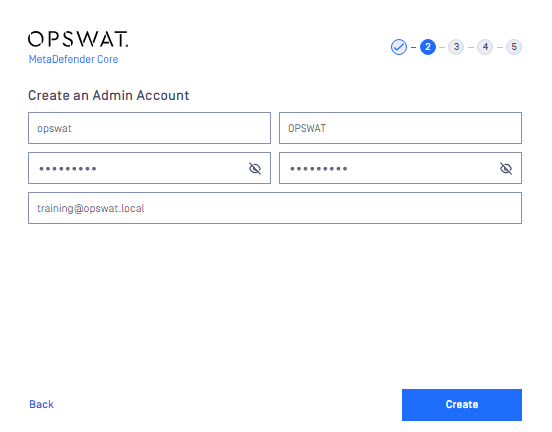
-
ライセンスアクティベートを実施します。「Online activation」選択後、「Activation key」を下の様に入力後「Activate」をクリックします。
項目 入力内容 備考 Activation key sAyk-gNXp-YmnY-Esxt-bMYi-9bdF-7PXw-eEhd 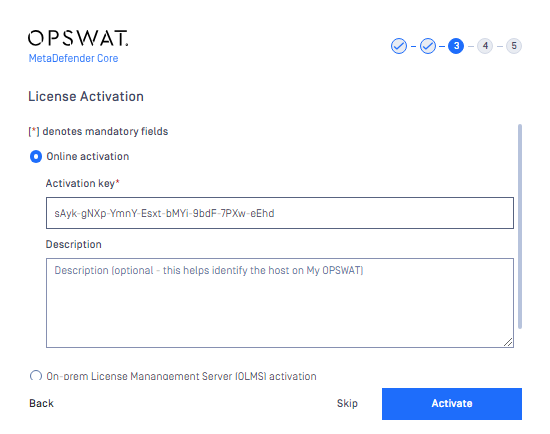
-
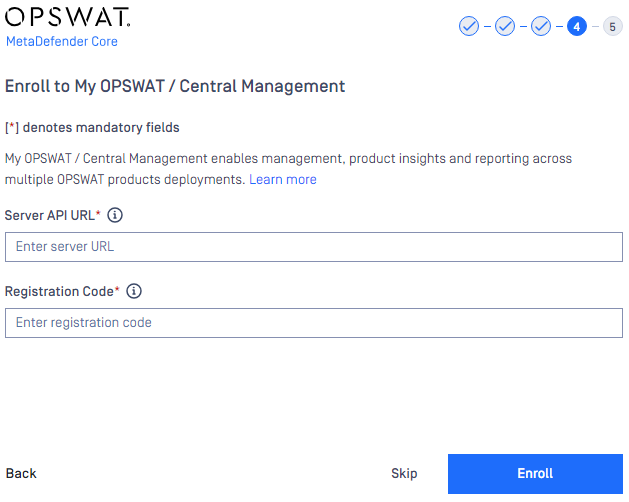
「Skip」 をクリックします。
-
「Yes」 をクリックします。

-
「Finish」 をクリックします。
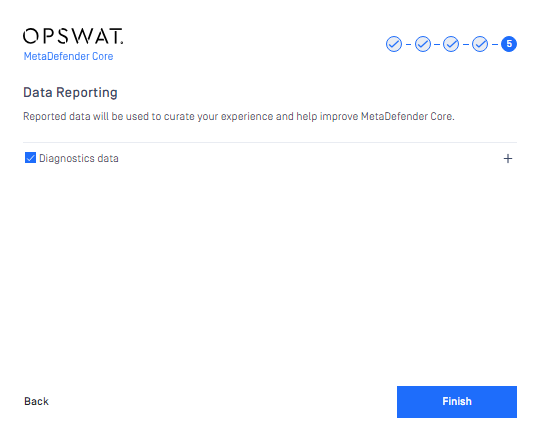
これで「1-2-1. MetaDefender Core の初期設定」の初期設定は完了です。